
Hotwire Native is a web-first framework for building native mobile apps for iOS and Android, and there are some useful resources available to help get you up and running quickly.
For local development, a lot of the Hotwire Native getting started guides will point to setting up the native app to use a localhost address, like you would when setting up a new Rails app:
let rootURL = URL(string: "http://localhost:3000")!For Puma-dev users who have set up .test domains to resolve to localhost however, you may have been eager to enter your local test site URLs, to see how your site would look and work in the Hotwire Native client. And if tried in Xcode with an iOS simulator, you may have encountered this message:
“Error loading page: The certificate for this server is invalid. You might be connecting to a server that is pretending to be <mysite.test>, which could put your confidential information at risk.”
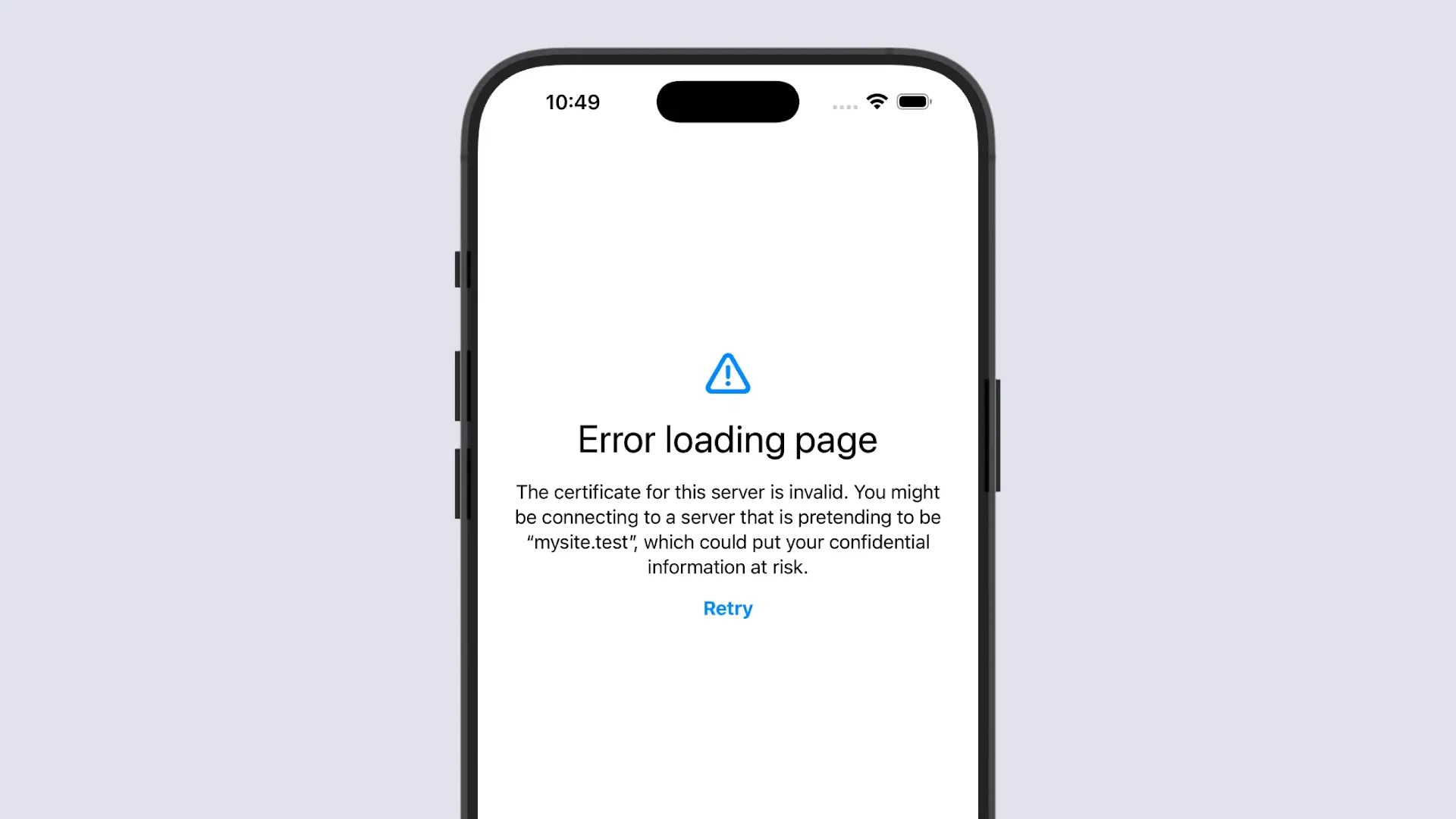
This can though be resolved for the iOS simulators with the following steps:
- In Xcode, point the app to the URL you would use in your Puma-dev setup, rather than localhost, e.g.:
let rootURL = URL(string: "https://mysite.test")!- On your Mac, export and save the “Puma-dev CA.cer” certificate file. Using Keychain Access;
- Select ‘System’ under System Keychains,
- Select the ‘Certificates’ tab
- Right click on the “Puma-dev CA” file, and select ‘Export “Puma-dev CA”…’
- Save the file to a chosen location
- With the simulator running, drag and drop the “Puma-dev CA.cer” file directly onto it.
- You should then be able to hit ‘retry’, and the site should load. If you still encounter issues after that, you might need to trust the certificate in the simulator (under Settings > General > About > Certificate Trust Settings, and enable full trust for the Puma-dev CA certificate), and/or redeploy the app.
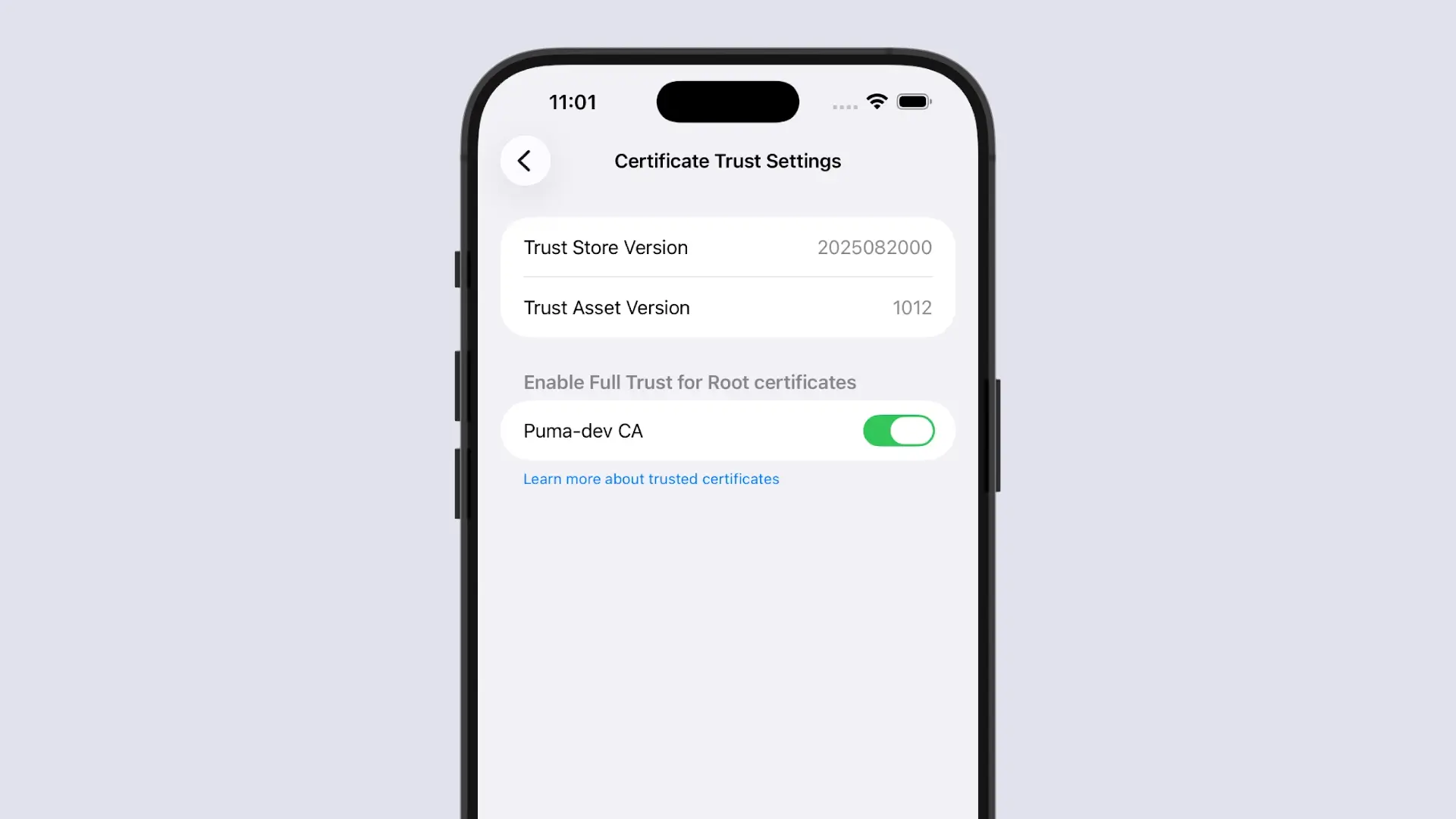
And that should be it! Note that these certificates will be installed on a per simulator basis, so if you switch from one to another, you will need to install the certificate on that one too. However, it will only need to be done the first time for each.