We recently talked about how Figma has upgraded our design process, covering everything from smooth client collaborations in FigJam to the pure efficiency of Auto Layout. It’s safe to say Figma has become an indispensable tool at Storm, but we’ve discovered that its core features are just the starting line!
The real secret weapon for daily speed and quality is the incredible ecosystem of plugins. These tools are what truly turbocharge our workflow, letting us save time, ensure consistency, and stay focused on creativity. We’ve handpicked our top five below:
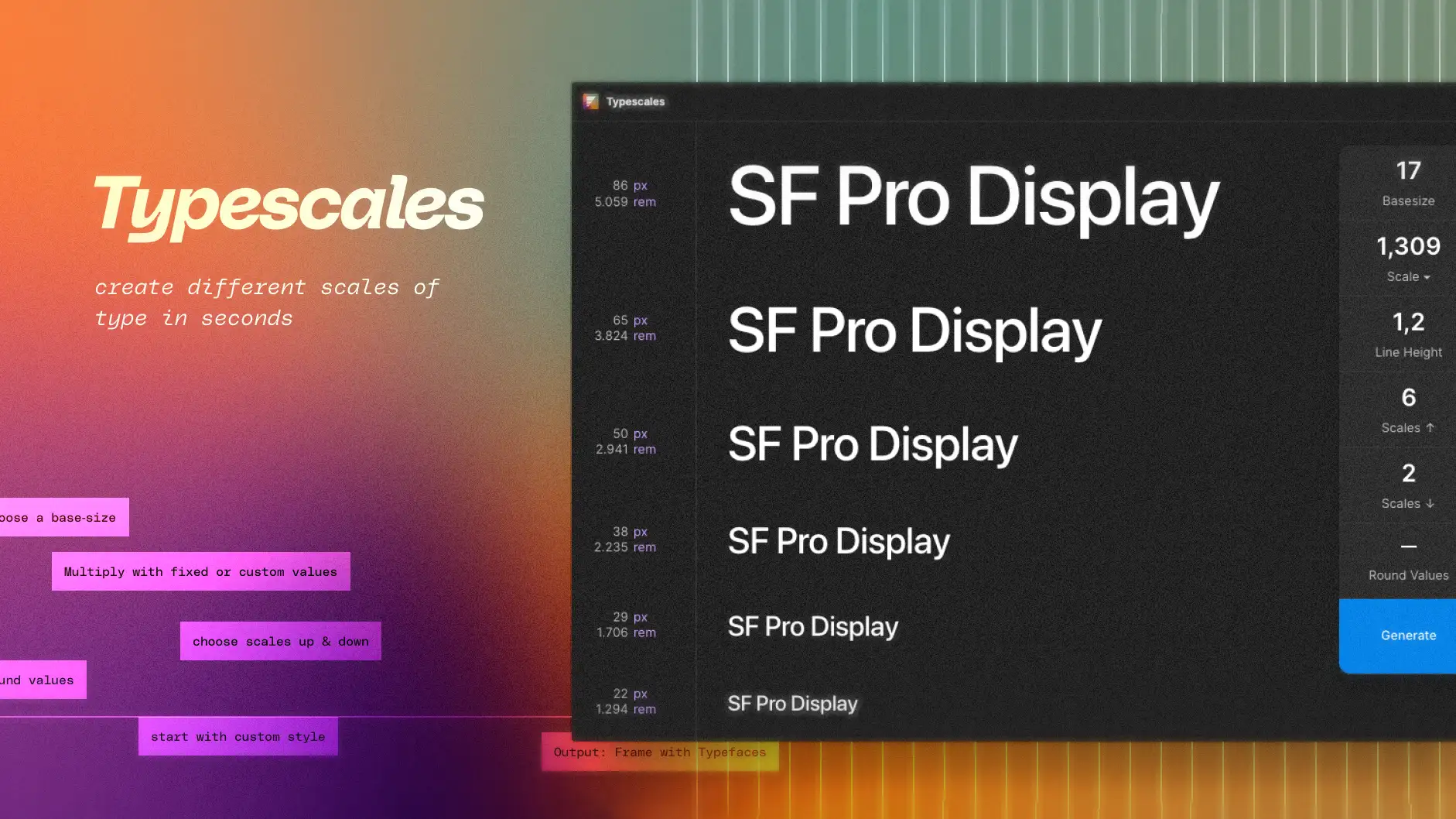
Typescales
This handy tool lets us quickly generate a modular scale for all of our text within a website or web app design. A modular scale means that every size – from the largest H1 title to the smallest caption, is mathematically related by a specific ratio (like a perfect harmony in music!).
It saves us tons of time and ensures our designs have a great visual flow and clear hierarchy right from the start.
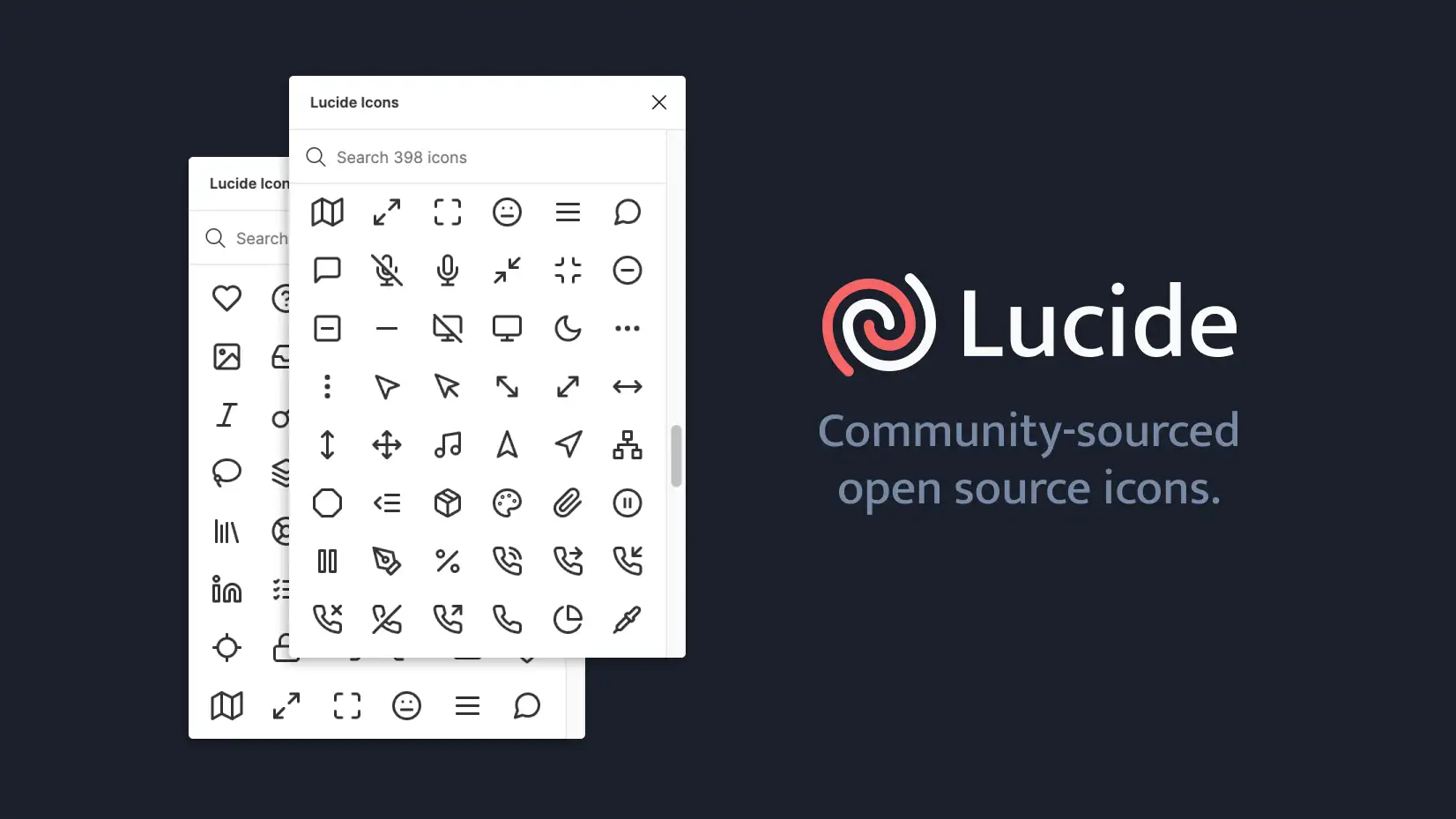
Lucide
Lucide Icons is a fantastic open-source icon plugin for Figma. With a huge collection of over 1500+ SVG icons, it’s perfect for our design team to quickly find great icons for any project! Easy to use, the plugin allows us to quickly copy and customise just the specific icon we need.
The entire icon library is designed with a simple, functional approach, enhancing our user experience and ensuring cohesion with our existing design systems.
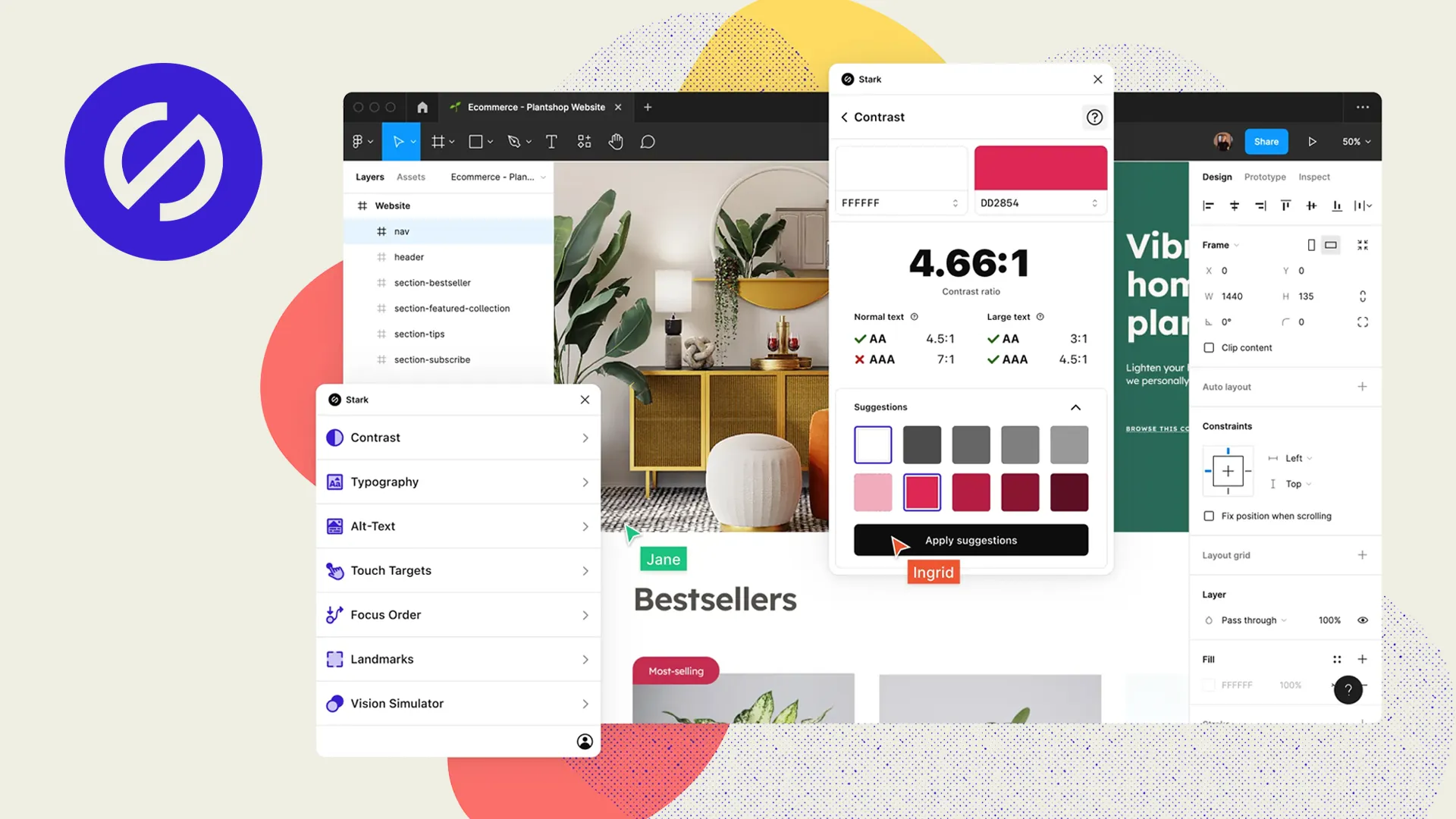
Stark – Contrast & Accessibility Checker
Stark is an essential part of our accessibility tool set. This plugin provides us with the tools necessary to audit our designs, making it easy for us to focus on the parts of a project that need an accessibility check. The comprehensive suite of accessibility tools includes a contrast checker, vision simulator, and alt-text annotations. Using Stark as part of Storm’s design workflow ensures that we meet the latest standards and create truly inclusive digital experiences.

Since a March 2025 update, Figma now also has a built-in colour contrast checker right in the colour picker. This native feature instantly verifies if foreground colours meet WCAG contrast standards (AA or AAA) for accessibility.
The fact that Figma has baked an accessibility colour checker right into the tool is fantastic because it makes designing accessibly natural default, quickly encouraging more inclusive practices across the board!

Unsplash
We love using the beautiful images from Unsplash in our designs. What’s even better is their licence allows images to be used freely for both commercial and personal projects.
This handy Figma plugin makes the whole process effortless: we can easily search the huge Unsplash library and insert images directly into our Figma files. This super seamless workflow is a lifesaver whenever we need high-quality placeholder imagery or eye-catching visuals for things like blog headers!
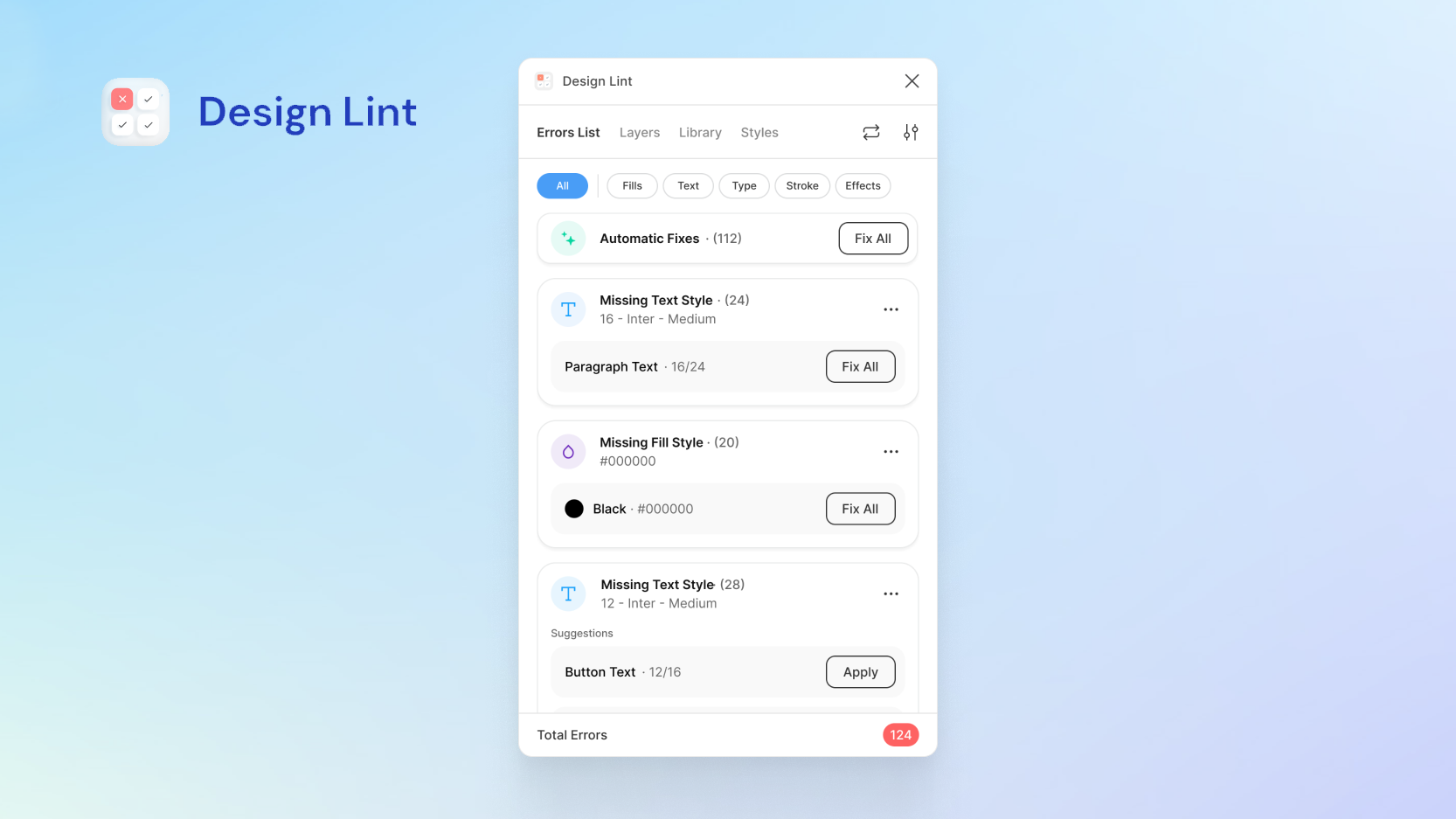
Design Lint
Design Lint is a free Figma plugin that helps to find and fix design errors. The plugin checks for missing text, fill, stroke, and effects styles. It also catches incorrect border radius values. We use it regularly as part of a final design audit before handing over to our development team, ensuring that all styles are consistent for the best user experience.
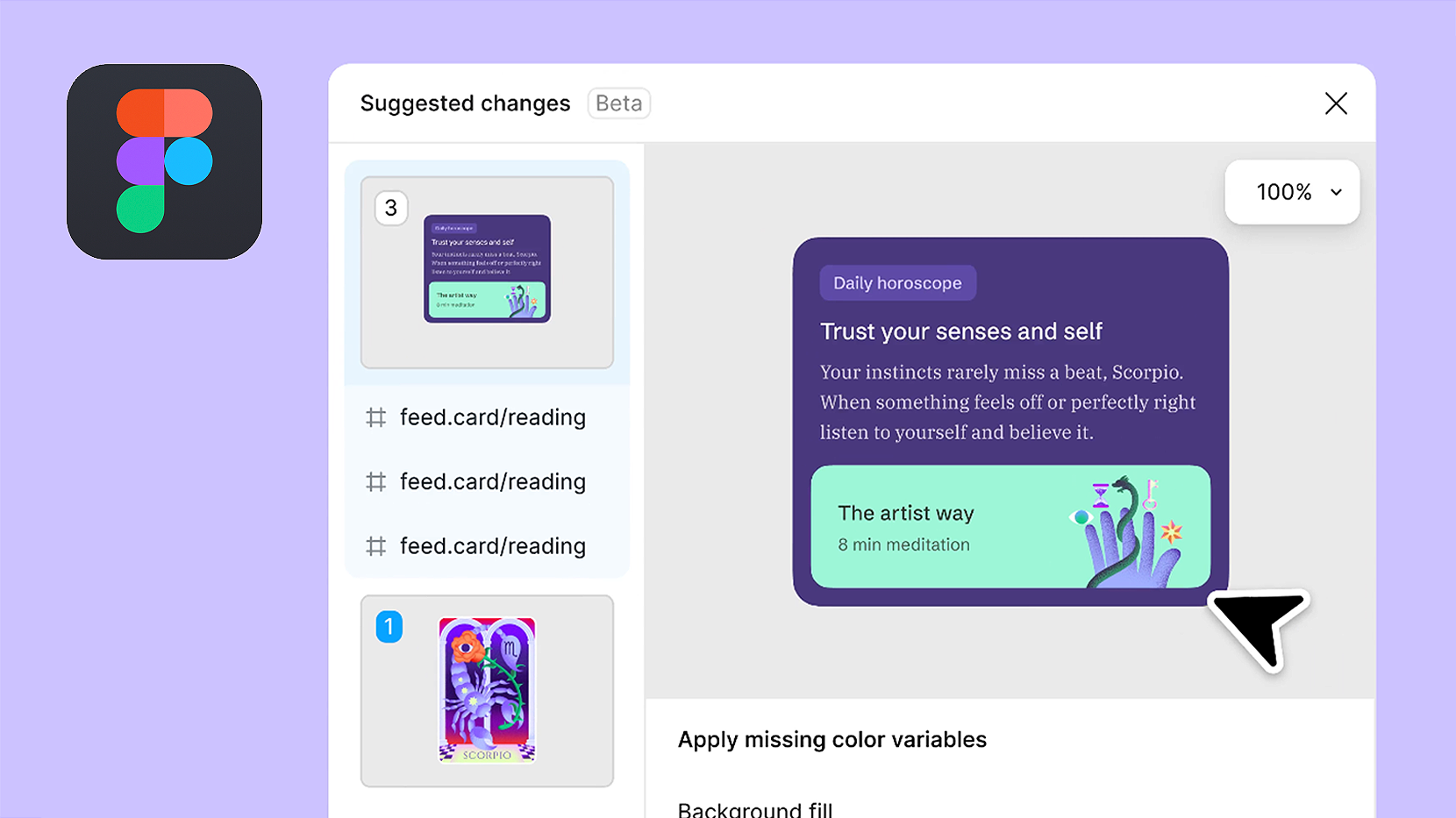
We’re also excited that in Figma’s latest Schema update, they’ve introduced a new native feature called Check Designs, with similar functionality to Design Lint. This new tool is currently in the early-access stage and should be rolled out in full next year.
Sam’s Summary
Ultimately, these five plugins prove that maximising Figma’s potential means looking beyond the basics. They are simple, lightweight additions that yield huge returns in time saved and design quality ensured, allowing our design team to focus on the big creative challenges instead of repetitive tasks.
We’re already excited for what’s next; we can’t wait to see how Figma continues to develop the app, especially as new AI-integrated features promise to streamline our workflow even further. We’ll be keeping a close eye on it – watch this space!